
Talk to us Risks to Watch

Privileged Account Attacks

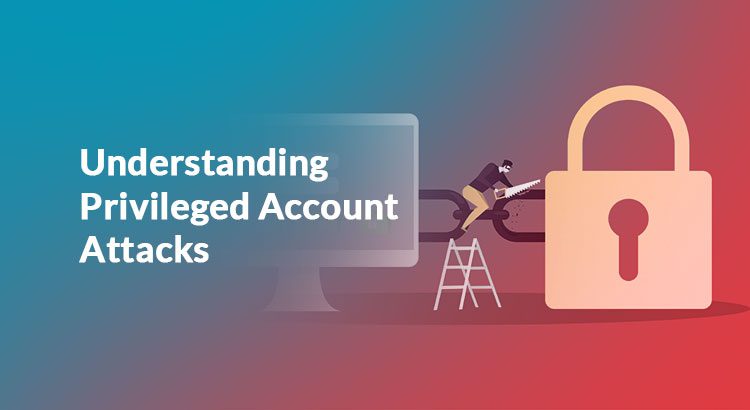
Privileged account attack is a specific kind of cyberattack used to gain unauthorized access to a secured perimeter, which can also be used to obtain crucial information from a critical system. Deploying a privilege escalation in a protected network structure, though difficult to pull off, can pose quite a bigger threat to an organization’s future.

Integrating PAM (Privileged Access Management) can go a long way towards protecting an organization’s systems from such cyberattacks. However, PAM, by itself, might not be enough to protect a large organization. Here’s some information that can help you understand this issue and protect against it effectively.

Privileged Account Attacks – An Overview

An attacker begins the process of privileged escalation by searching for loopholes in your network system. In most cases, they will not find the level of intrusion they are looking for on the first attempt, leading them to try other alternatives to gain access to the system.

There are usually two ways in which a privilege escalation procedure can be done:

  • Horizontal Privilege Escalation: The attacker may expand their privilege by obtaining control of another account. Then, they may misuse the concessions, originally granted to the legitimate account users and enter the network system. This type of escalation is usually prompted through lateral movement.
  • Vertical Privilege Escalation:Unlike the horizontal method, the vertical modus operandi is all about gaining access to more permissions through an existing account. For instance, let’s assume that an attacker has taken over your privileged account. The next step in vertical privilege escalation would be to gain administrative permissions.

In order to foil these attempts, you need to be extremely attentive to the condition of your network environment.

Privilege Account Attacks – Techniques and Mitigation Procedures

There are many privilege escalation techniques which work perfectly with Windows OS. Let’s learn more about them and countermeasures that can be used against them.

  1. Access Token Manipulation

The Windows Operating System usually employs access tokens to verify the owner of the system. When someone tries to deploy a specific procedure that requires privileges, the system will check with the person who owns it. Furthermore, it will also verify if the person actually has all the permissions it needs to attempt the process.

Access token manipulation usually involves tricking the system into trusting a user who is not the legitimate user. This can be done by duplicating the access token, or by creating a new process through the appropriated token to gain access. A token can also be created by leveraging the password and username of the owner.

What to do?  

Currently, there is no way to disable the form of access in Windows OS. Hence, you will need to assign some administrative lines to mitigate the threat. You may also perform regular evaluations on administrative accounts and annul them when required.

  1. Bypass User Access Control

The User Access Control (UAC) of the Windows OS usually distinguishes between administrators and the regular users. It limits all applications to standardized user permissions unless the administrator authorizes something specifically. However, if the protective system of your UAC is not good enough, then programs can escalate privileges independently.

What to do?

To mitigate such an alarming issue, you will need to review your IT system regularly, set the UAC protective system to the highest level, and remove users who have left your organization and do not have administrative rights any more.

Why Should You Use PAM?

If used properly, PAM could be the ideal solution for privileged account attacks. Here’s why.

  • With PAM, you can create a secure vault for all of your passwords and protect them with encryption. PAM provides a randomly generated password every day to help you to access your protected data. Hence, it will be much more difficult for hackers to predict or decrypt your passwords and enter the system.
  • PAM helps you to choose how passwords will randomize on a daily basis. You can set them manually or let the system do it automatically. This means that you will have to provide a new password whenever you are entering your network. A new passcode will be generated when you leave the network as well.


  • A PAM system will record all of the password requests and send you a report at the end of the day, informing you about daily transactions, reports on compliance, assets, and privileges to maintain your IT system.
  • If you use third-party systems to update your network’s infrastructure, PAM can help you to keep an eye on them. If you use PAM, you will not need to share any domain credentials with outsiders while adding some additional security.
  • PAM has the ability to detect multiple targets who are trying to access your system and report to you. In the meantime, it will also separate the whole “access” system if it finds that more than one user is currently in the area. This way, it will be easier for you to find out more about the user before they can log off.


Conclusion

The issue of privileged account attacks has been gaining prominence in the past year. It is imperative for an organization to invest in a PAM system and integrate it right away. For organizations that cannot carve out a budget for PAM, the mitigation tips (detailed above) can help to protect data assets until a more comprehensive solution has been adopted.
IT Paradigm Shift, People and Challenges

Recap

  • Do employees/end-users resist IT process changes? If yes, then why?
  • Why changes (even if necessary) in internal IT processes are not readily accepted by employees/end-users?
  • How can organizations address employee/end-user concerns?

In two of our earlier blogs, we have discussed the reasons why people resist changes in the organization and how to overcome the challenge of resistance. In the last one year, there has been a sea change in the work culture of most of the organizations globally. Work-From-Home (WFH)  has been adopted by the majority of organizations due to the pandemic. 

Nevertheless, the changing dynamics in the IT landscape have increased access control challenges. This, in turn, has altered the IT policies and procedures that could lead to friction among employees. 

From a security and compliance perspective, reinforced access control is important, but for a frictionless IT environment a candid talk with the employees/ end-users is necessary. In this blog we discuss some major IT security trends and how the GRC managers can allay end-users’ concerns. 

Treading a balance between people and IT policies 

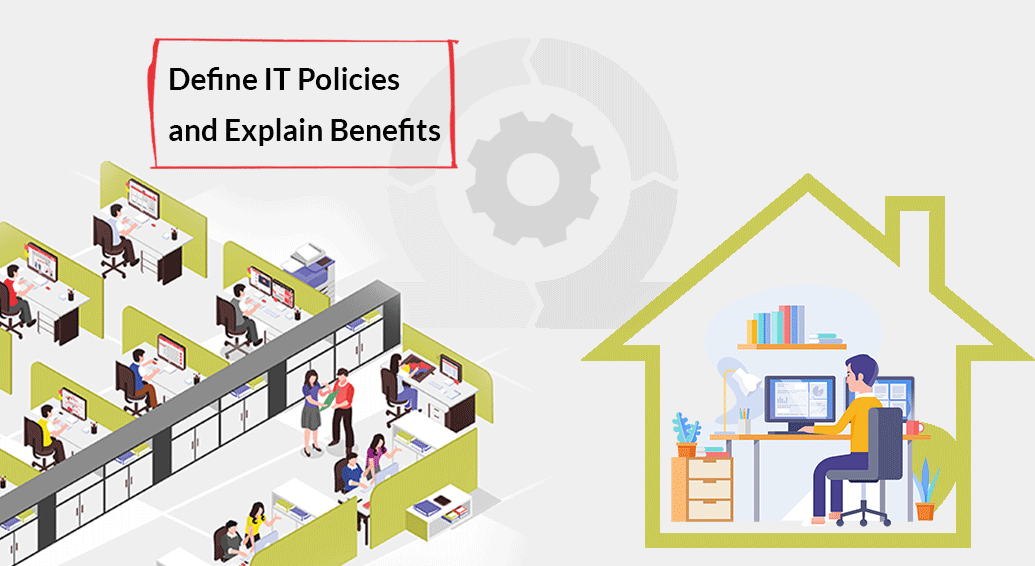
While most of the organizations are adopting robust remote access control technologies to address the challenge arising from WFH (Work From Home), the employees’ concerns are often ignored. The employees’ interpretation about the changed work culture, eg. What they are thinking about the new IT practices and procedures, are they facing any discomfort – all these questions remain unattended. Needless to mention, both the employees and the organization need to address these before it’s too late. 

Let’s discuss some of the IT practices that are important to IT security, but misconceptions among end-users could lead to ineffective implementation of the same. 

  • Why Just-In-Time (JIT) Privilege?

About 75% of data breach incidents start with abuse of privileges across the world. In order to manage, monitor and control privileged activities in remote work conditions, organizations count a lot on the JIT privilege principle to avoid the risk of excessive standing privileges. Now, an end-user who had the liberty of all-time privilege might raise his/ her concern. Explain that to implement the JIT principle is not about reducing their liberty but to adequately protect endpoints and critical infrastructure from unauthorized access. The JIT practice reduces the privileged account attack surface.

  • Why End-user Behaviour Monitoring? 

Many organizations are adopting predictive security mechanisms over preventive measures. Hence, continuous monitoring of the end-user behaviour is the best way to ensure improved vigilance. Implementing this security practice might throw a presumptive message to the employee that his/ her service is under observation and that they are being intruded on. Explain that end-users’ monitoring is not about intruding into privacy but to ensure everyone works on a configured baseline IT policy. It eventually helps to increase the end-user productivity. 

  • Why Rule & Role-based Access Control?

The rule and role-based access control mechanism is the only way to ensure restricted and authorized access to systems. In a vast and distributed IT environment, especially in a remote work environment, organizations face the challenge to manage and monitor multiple end-users. The employees, at this juncture, might nurture a feeling whether their employer is denying the access due to mistrust? Explain that a role and rule-based access to systems enhances IT oversight and governance. This practice helps to implement the principle of least privilege for a robust compliance framework.

  • Why Too Much of Authentication?

In today’s complex remote IT environment, it is important to find out whether or not the user activity is happening through a legitimate device. Multi-factor Authentication (MFA) along with Adaptive Authentication based on some anomaly-detection criteria like geo-location, IP address or typing speed of the users helps the administrators to find out the suspicious user and take immediate action on it. The end-user may say that logging activity is causing too much frustration. Explain that in remote work environments, sophisticated cybercriminals can exploit the access control loopholes. MFA along with adaptive authentication is important to ensure network security. 

Conclusion

The employees can’t just be informed about the changes happening; the intimation of a change in policy/ technology should also include why these changes are happening and how the company would be benefited with this. This definitely reduces or alleviates the friction.

Global Remote Access: Challenges Addressed

Remote access security has become a burning topic lately, thanks to the global pandemic. Security, risk and compliance managers face a new challenge: How to reinforce the security measures as to access control in remote work conditions. While organizations have realized that working remotely is the only way to ensure business continuity, the remote access threats to IT infrastructure have loomed large. 

Remote Access is especially important for organizations that are spread across different geographies. Different geographies falling under different time zones in turn have different challenges. There is an ambiguity about whom to give the privileged access to which system at what time and for what purpose. As a result, cyber risks are increasing exponentially. Malicious insider threats and third-party IT risks pose serious threats.  

Why do cyber risks increase in remote work conditions?

Remote Access has resulted in various emerging scenarios resulting in increased IT complexities. 

Among them, these are predominant: 

  • Weak or inadequate access control policies cannot ensure that all the accesses happening in the enterprise IT environment are authorized. Malicious actors misuse this loophole and compromise privileged accounts.
  • Absence of robust end-user validation mechanism like Multi-factor authentication fails to identify authorized and genuine users accessing critical systems in the enterprise network. Suspicious and unreliable third-party users remain unidentified because of this.
  • Employees access business-critical applications with ‘always-on’ privileges. There is absence of access control framework such as access based only on ‘need-to-know’ and ‘need-to-do’ basis or granular access controls. 

Ensure IT Administrative efficiency

with ARCON | Remote Assist

Read Whitepaper


What could be done?

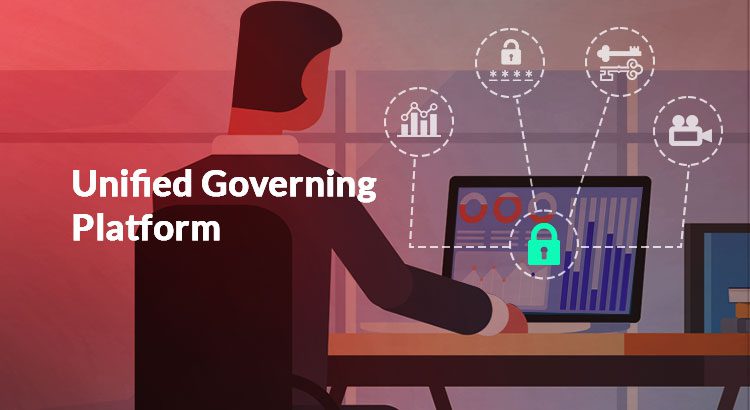
To get over the IT security risks and challenges in remote work conditions, the global IT security community requires a robust solution that could control and manage every task happening remotely. There is an urgent need for a unified governing engine. A centralized access control framework that could reinforce rule and role-based privileged access control can significantly reduce malicious insider risks. 

To address these emerging challenges, ARCON has developed a robust solution: Global Remote Access (GRA)

This solution ensures a secure enterprise IT environment by reducing the apparently unproductive hours of IT operations like time taken to respond to functional glitches raised by the end-users. Not only that, while permitting users for privileged rights, the hours lost during the transition can be eradicated with the automated GRA tool. Moreover, the privilege elevation happens in a secure manner. It enhances the enterprise IT lifecycle management by managing every possible remote assistance provided to the end-users.

Key Benefits

 Global Remote Access comprises several benefits discussed below: 

  • The IT admins can simplify the task of tracking the end-user activities and generate a report of all the remote activities performed on each and every system.
  • The IT admins can process a remote session only after an approval and user validation check done by the tool. However, the admins possess the rights to pause or terminate the access rights if any anomaly is suspected. The duration of the elevated rights can be extended if required.
  • Any kind of confidential file transfer is always restricted unless the end-users request for it on valid operational ground. It indirectly prevents chances of data loss. Once the process is over, the file access rights are revoked immediately to prevent unnecessary ‘extra-time’ privilege.
  • GRA supports generation of video logs of every remote session and thereby helps in session analysis regularly and in audit trails.
  • During situation-based requirements, the administrators need not reveal the login credentials to the end-users who are given elevated access rights for any application/ system for a specified time. It helps to follow the principle of least privilege and avoid excessive standing privileges.
  • GRA helps IT admins to remotely enable password rotation policy for the end-users frequently. It ensures least intervention and thereby prevents every unauthorized access.

Conclusion 

ARCON Global Remote Access (GRA) solution is an effective solution today for enterprises to manage and control remote users across different geographies. In order to ensure a secured remote connection to their designated desktop or laptop from outside the IT infrastructure, GRA is the best option to prevent the IT risks that arise from Work From Home (WFH) conditions.